
DATES: May 3rd – Aug 29th
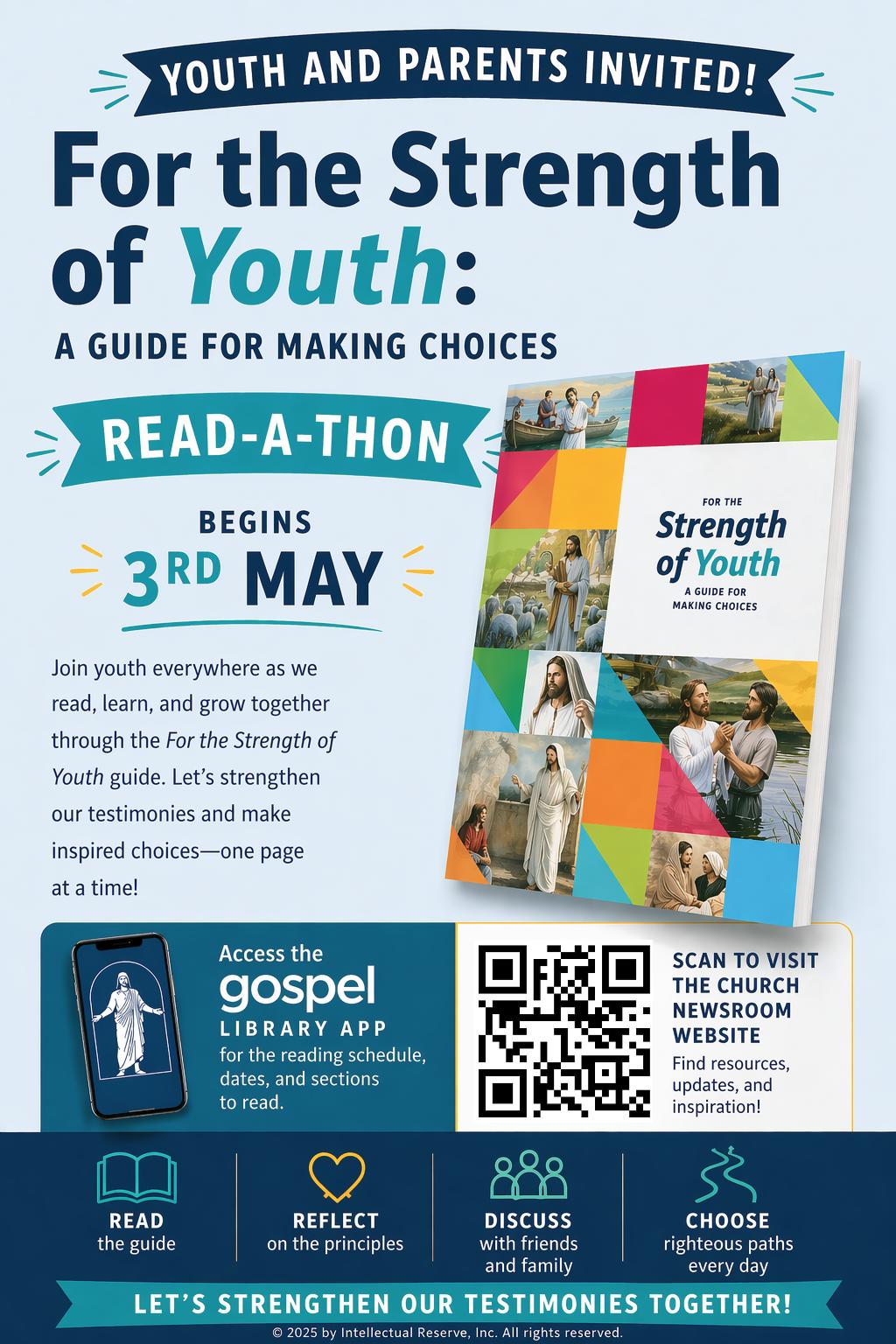
How to Create a Digital FSY Study Plan (Gospel Library)
Track Progress: Mark chapters as finished to track your progress.
- Open the App: Navigate to the Gospel Library app homepage.
- Access Study Plans: Scroll down to find the “Study Plans” section.
- Start New Plan: Click the blue plus sign “+” to create a new plan.
- Select Content: Choose the “FSY Guild: A Study for Lifelong Discipleship”
- Press Start Plan